Choosing the wrong accounting software can cost you hours every week and thousands of dollars every year. Here’s an honest breakdown of the top five options — so you can pick the one that actually fits your business.
Accounting software has become one of the most valuable tools a small business owner can have. The ability to automate invoicing, track expenses, reconcile accounts, and generate reports in minutes used to require a full-time bookkeeper. Today, the right software can handle most of it for you.
But with so many options out there — all claiming to be the best — it’s hard to know where to start. This guide cuts through the noise and breaks down the top five accounting tools for small businesses, based on real-world use, not just feature lists.
1.Xero
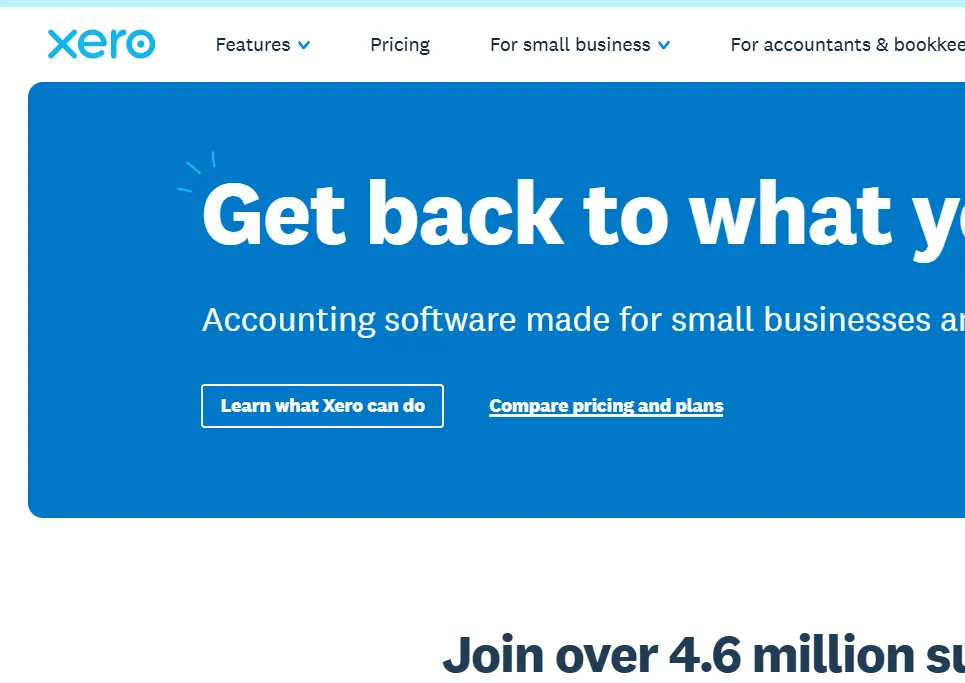
With over 4.4 million users across 180+ countries, Xero is one of the most trusted cloud-based accounting platforms in the world. And for good reason — it manages to be both powerful and easy to use, which is a rare combination in accounting software.
The dashboard is clean and fully customizable. You can set it up to show exactly the daily snapshots and reports that matter most to your business. Even if you’ve never used accounting software before, Xero’s interface makes it easy to find what you need without getting lost.
What truly sets Xero apart is its app marketplace and integrations. It connects natively with a huge range of tools — CRMs, project management platforms, e-commerce sites like Shopify and WooCommerce, and over 21,000 financial institutions for automatic bank reconciliation. This means less manual data entry and more time running your business.
Other standout features include automatic invoicing, billing, purchase orders, payroll, and dynamic reporting — all in one place.
Pros
- Clean, intuitive interface
- Huge native app marketplace
- 21,000+ bank connections
- Strong automation tools
Cons
- Premium pricing
- Frequent subscription increases
- Can be overkill for micro businesses
⭐ Best for: Small to medium businesses ready to invest in a premium solution
2.QuickBooks
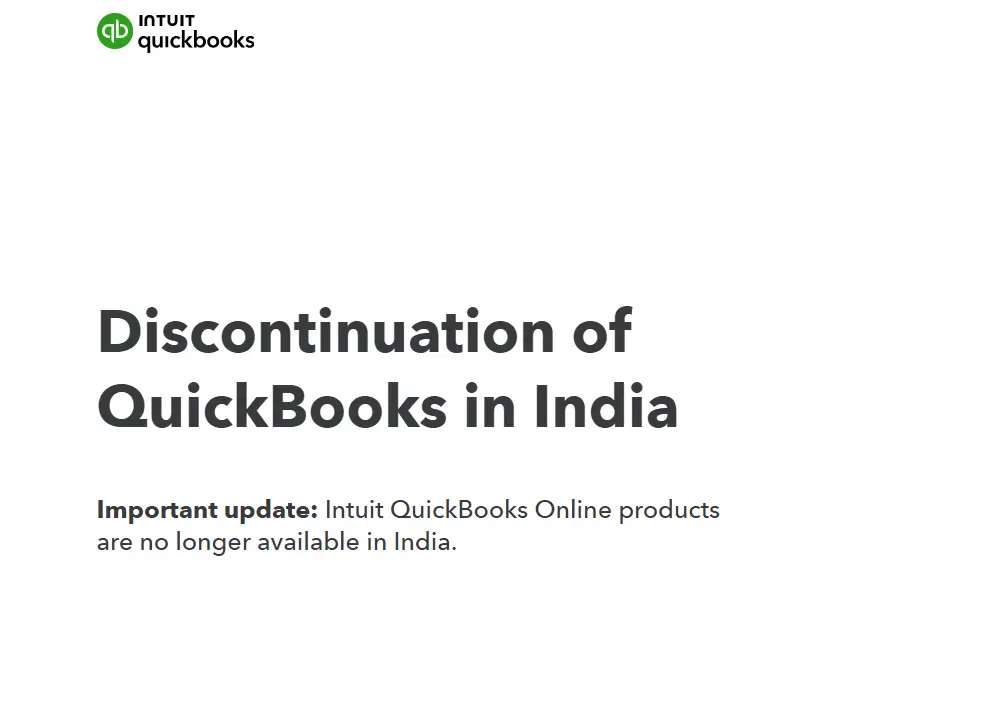
QuickBooks is the most widely used accounting software in the world, with over 7.7 million customers globally. It’s designed to scale with businesses of all shapes and sizes, from solo freelancers to growing enterprises.
The interface is sleek and relatively easy to navigate for most users, though beginners focused on the basics may find the sheer volume of features a little overwhelming at first. QuickBooks covers all the essentials — income and expense tracking, invoicing, quotes, account reconciliation, and detailed reporting.
A unique feature worth highlighting is the ability to send invoices directly via WhatsApp — a genuinely useful tool for businesses in Southeast Asia and other regions where WhatsApp is the primary communication channel.
One important distinction from Xero: QuickBooks requires a third-party connector like Zapier or Make to link external apps, whereas Xero handles many of these connections natively.
Pros
- Massive user base & support
- WhatsApp invoicing feature
- Broad ecosystem (Intuit)
- Scales well as you grow
Cons
- Recurring invoices need Plus plan
- Can feel overwhelming for basics
- Third-party connectors required
⭐ Best for: Medium to large businesses or complex small business accounting needs
3.Sheetify CRM
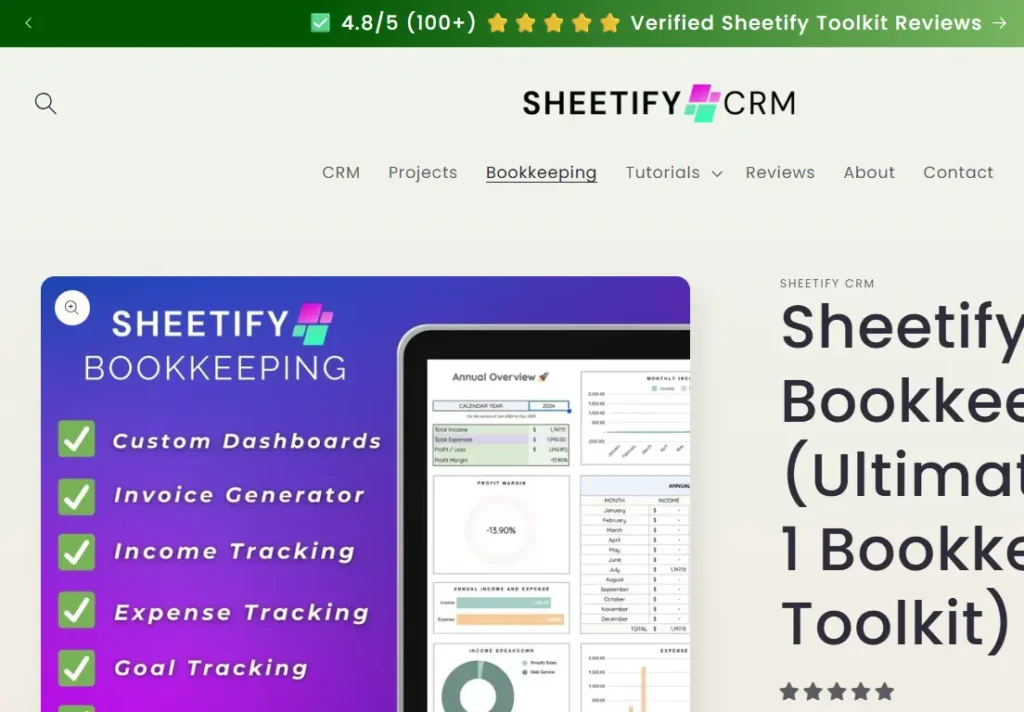
Sheetify Bookkeeping is a refreshingly different option. Built on Google Sheets and App Script, it’s designed for small and micro business owners who are tired of paying for bloated subscription software they barely use.
The concept is simple: you get a powerful, easy-to-use bookkeeping template that lives inside Google Sheets — something most business owners already know how to use. It covers income and expense tracking, seven dynamic dashboards, invoice and quote generation, and accounting task management. No learning curve, no monthly fees.
It’s a one-time payment with lifetime access and all future updates included — a genuinely rare thing in a world of ever-increasing subscription costs. While it doesn’t have the deep native integrations of Xero or QuickBooks, you can connect it to third-party tools via Zapier or Make. An AI receipt scanner and expense tracker app is also on the way, free for Sheetify users.
Pros
- One-time payment, no subscription
- Simple & familiar (Google Sheets)
- Lifetime updates included
- AI receipt scanner coming soon
Cons
- Limited native integrations
- Not suited for larger businesses
- Requires Google account
⭐ Best for: Micro and small business owners who want simplicity without subscriptions
4.Zoho Books
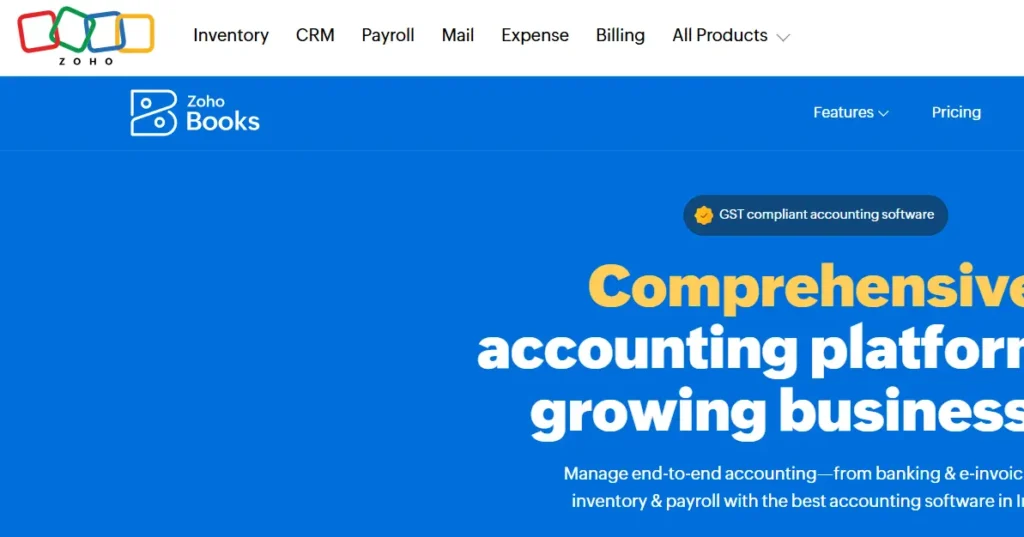
Zoho Books is part of the broader Zoho ecosystem — a large suite of business tools covering CRM, inventory, HR, and more. If you already use any Zoho products, Books is an obvious addition because the data flows seamlessly between apps with no extra setup.
The interface is clean and slightly more intuitive than QuickBooks, though it follows a similar layout. You get all the standard bookkeeping features — bank reconciliation, invoicing, expense tracking, payroll, and time tracking — plus some nice extras like automated quote-to-payment workflows where customers can accept quotes and trigger payments automatically.
Pricing is where Zoho Books really stands out. It offers a completely free plan for small businesses and more affordable paid tiers compared to Xero and QuickBooks. The trade-off is fewer financial institution connections for automatic bank feeds.
Pros
- Free plan available
- Affordable paid tiers
- Great Zoho ecosystem integration
- Automated quote-to-payment flow
Cons
- Fewer bank feed connections
- Best value only within Zoho ecosystem
⭐ Best for: Businesses already using Zoho tools, or those wanting an affordable entry point
5.FreshBooks
FreshBooks has served over 30 million small businesses and has built its reputation on simplicity and ease of use — particularly for service-based businesses and freelancers. If you bill clients for your time rather than selling physical products, FreshBooks is built with you in mind.
The standout feature is the built-in time tracker, which connects directly to your invoicing. Track hours on a project, then turn them into a client invoice in seconds. The built-in project management tool adds further value for service businesses that need to keep work organized alongside their accounts.
FreshBooks has fewer native integrations than Xero and QuickBooks, but connects to third-party tools through Zapier. Pricing is in line with Xero and QuickBooks — not cheap — and lower plans limit how many clients you can invoice, which can push growing businesses into premium tiers.
Pros
- Built-in time tracker
- Great for service businesses
- Clean and easy to use
- Project management built-in
Cons
- Client limits on lower plans
- Fewer native integrations
- Expensive for micro businesses
⭐ Best for: Freelancers and high-ticket service-based businesses
6.Wave Accounting
If your budget is tight and your accounting needs are simple, Wave Accounting is arguably the best free option available in 2026. Designed for freelancers, solopreneurs, and very small service-based businesses, Wave gives you a fully functional bookkeeping platform at zero cost.
The free plan includes unlimited invoicing, expense tracking, bank reconciliation, double-entry accounting, and access to over a dozen prebuilt financial reports — including profit and loss statements and balance sheets. That’s a remarkably complete feature set for a free tool.
If you want automatic expense categorization and faster payment processing rates, Wave’s Pro plan unlocks those features at a very affordable monthly fee. Wave also offers optional add-ons for payroll and tax filing. The trade-off is scalability — as your business grows and your needs become more complex, Wave will start to feel limiting.
Pros
- Completely free core plan
- Unlimited invoices & bank connections
- Double-entry accounting included
- Easy setup — no accounting knowledge needed
Cons
- Limited scalability for growth
- No inventory management
- Fewer integrations than Xero/QuickBooks
⭐ Best for: Freelancers, solopreneurs, and micro businesses on a zero budget
7.Sage Accounting
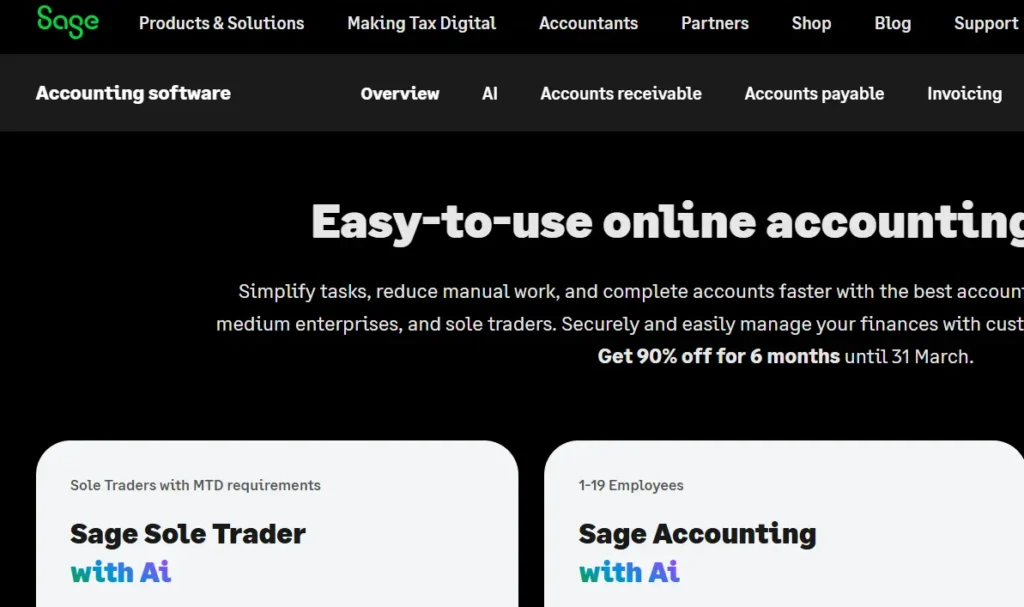
Sage is one of the oldest and most established names in accounting software. Its cloud-based small business product — Sage Accounting — is designed for small businesses that want reliable, secure financial management with both cloud and desktop flexibility.
Sage handles all the fundamentals well: invoicing, bill tracking, cash flow forecasting, bank reconciliation, and payroll. It’s particularly well-suited for businesses that prefer working with an in-house bookkeeper, as the interface is built around traditional accounting workflows. It also comes with 24/7 customer support access, which is a genuine differentiator in this space.
The main drawbacks are its pricing — paid plans start at around $124 per month — and its somewhat older-feeling interface compared to modern tools like Xero or Zoho Books. For businesses that value stability and deep accounting controls over sleek design, Sage is a dependable choice.
Pros
- Trusted, long-established platform
- 24/7 live customer support
- Strong cash flow forecasting
- Cloud + mobile accessibility
Cons
- Higher price point
- Interface feels less modern
- Steeper learning curve for beginners
⭐ Best for: Small businesses with in-house bookkeepers who value stability and support
8.Odoo Accounting
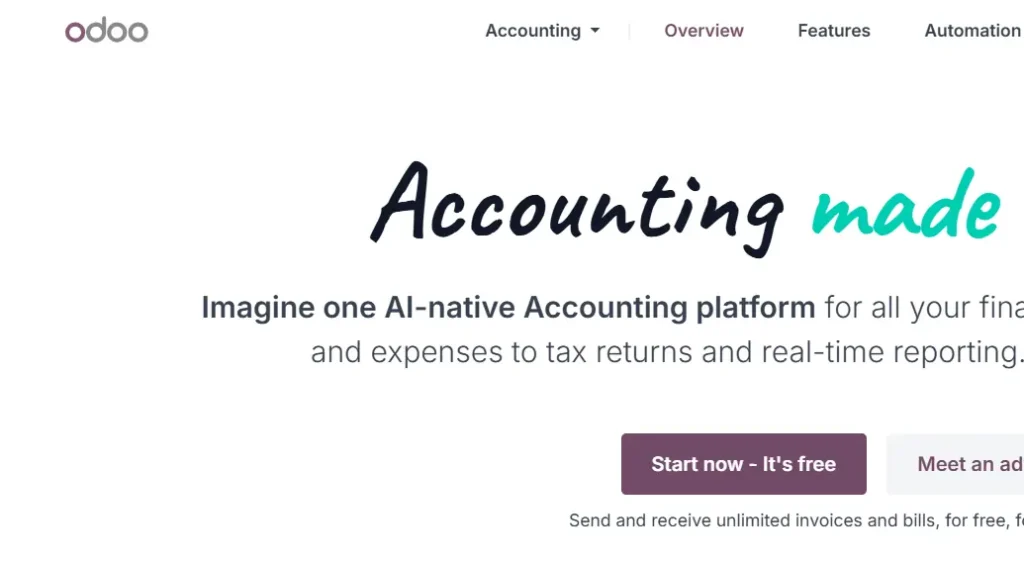
Odoo is more than just accounting software — it’s a full modular business management platform with over 30 integrated apps covering CRM, inventory, HR, e-commerce, project management, and more. For businesses that want everything under one roof, Odoo is a compelling option.
The accounting module includes AI-driven invoice scanning, automated bank reconciliation, multi-currency support, detailed analytical reporting by department or project, and country-specific tax compliance tools. It’s particularly powerful for product-based businesses that need accounting tightly connected to inventory and sales workflows.
The catch is complexity. Odoo has a steeper learning curve than most tools on this list, and setup often requires careful planning or a technical partner. Pricing is modular — it’s affordable for a single app, but costs scale quickly as you add modules and users. It can be deployed in the cloud or on-premise, which is a rare flexibility in this category.
Pros
- Full ERP — 30+ integrated apps
- AI invoice scanning & automation
- Cloud or on-premise deployment
- Multi-currency & global tax support
Cons
- Complex setup process
- Costs rise steeply with added modules
- Steep learning curve for non-technical users
⭐ Best for: Growing product-based businesses that need an all-in-one ERP solution
9.Patriot Accounting
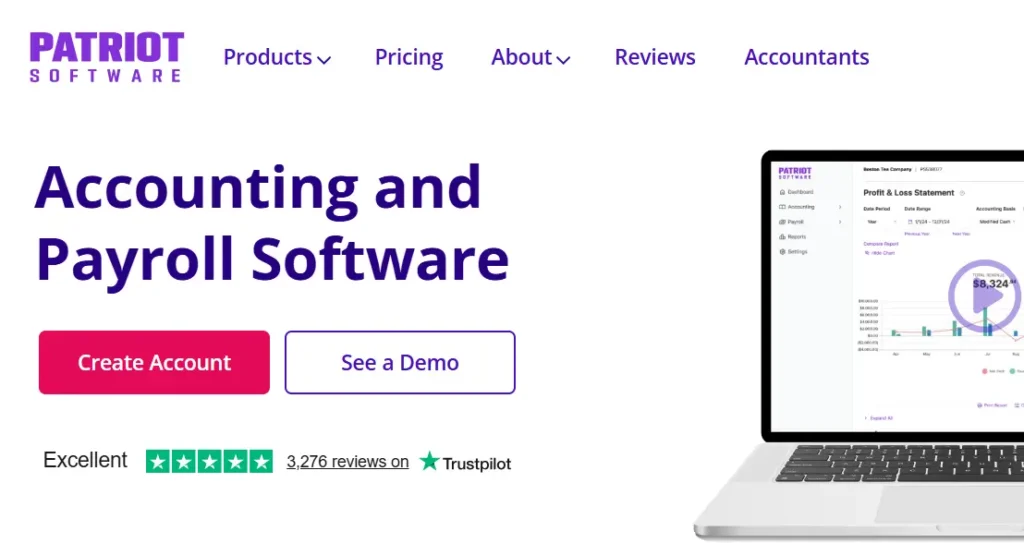
Patriot Accounting is one of the most budget-friendly cloud accounting tools for small businesses in 2026. Starting at just $20 per month for the basic plan and $30 per month for premium, it’s one of the most cost-effective options available without sacrificing the essentials.
Patriot covers income and expense tracking, invoicing, bill pay, bank reconciliation, customizable financial reports, and a simple chart of accounts. Its standout strength is payroll — Patriot offers automatic federal, state, and local tax calculations, direct deposit, and employee self-service as an add-on. Year-end W-2 and 1099 e-filing is built-in, making tax season significantly less painful.
Users consistently praise its ease of use, straightforward navigation, and helpful customer support. It won’t suit businesses with complex multi-entity or international accounting needs, but for straightforward small business bookkeeping with payroll, it punches well above its price point.
Pros
- Very affordable pricing
- Excellent payroll integration
- Built-in W-2 & 1099 e-filing
- Highly rated customer support
Cons
- Limited advanced features
- Not suitable for complex or global needs
- Fewer third-party integrations
⭐ Best for: Small businesses and startups looking for affordable accounting with strong payroll
10.Oneup Accounting
OneUp takes a smarter approach to bookkeeping by using algorithms that learn from your business over time. Every time you approve a suggestion or confirm a transaction, OneUp gets more accurate — reducing manual work the longer you use it.
Key features include automatic bank transaction matching with invoices, cash flow control tools, CRM functionality for managing customer relationships, and AI-powered reconciliation suggestions. It’s a particularly strong pick for sales-focused small businesses that want their accounting and customer management to work together in one place.
OneUp is cloud-based, available across devices, and straightforward to get started with. While it may not have the brand recognition of QuickBooks or Xero, its self-improving AI approach makes it an increasingly capable tool that gets smarter — and saves you more time — the longer you use it.
Pros
- AI learns from your inputs over time
- Built-in CRM functionality
- Automatic invoice & bank matching
- Good for sales-focused businesses
Cons
- Less well-known than major players
- Fewer integrations available
- AI accuracy improves slowly at first
⭐ Best for: Small businesses and startups that want AI-assisted bookkeeping with built-in CRM
11.Kashoo Accounting Software
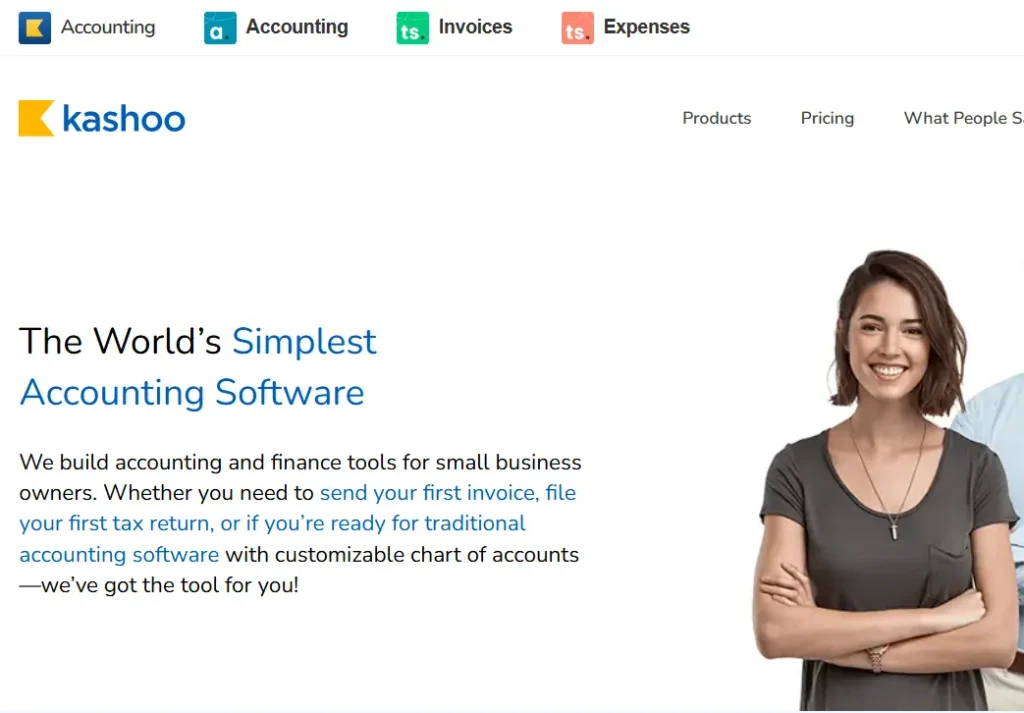
Kashoo is built around one core promise: making accounting as simple as possible for small business owners who don’t have an accounting background. Like OneUp, it uses AI algorithms to analyze your daily operations — sales tax tracking, invoicing, receipt categorization — and automates as much as possible with minimal input from you.
It handles the bookkeeping basics reliably: income and expense tracking, invoicing, bank reconciliation, and financial reporting. Kashoo is particularly well-regarded for its incredibly fast setup — many users report being up and running in minutes rather than hours.
It’s not the most feature-rich option on this list, and won’t suit businesses with complex inventory, multi-currency, or payroll needs. But for a small business owner who simply wants clean, automated bookkeeping without a steep learning curve, Kashoo delivers exactly that.
Pros
- Extremely fast & simple setup
- AI-powered auto-categorization
- Great for accounting beginners
- Clean, uncluttered interface
Cons
- Limited advanced features
- No inventory management
- Not suited for larger or complex businesses
⭐ Best for: Complete beginners and very small businesses that want instant, hassle-free setup
Quick Comparison at a Glance
| Software | Free Plan | Native Integrations | Bank Feeds | Best For |
|---|---|---|---|---|
| Xero | ✗ | ✓ Extensive | ✓ 21,000+ | SMBs & growing teams |
| QuickBooks | ✗ | ~ Via connector | ✓ Strong | Medium–large businesses |
| Sheetify | ~ One-time fee | ~ Via Zapier/Make | ✗ | Micro & small businesses |
| Zoho Books | ✓ Yes | ~ Zoho ecosystem | ~ Limited | Zoho users & budget-conscious |
| FreshBooks | ✗ | ~ Via Zapier | ✓ Yes | Freelancers & service businesses |
| Wave | ✓ Yes | ~ Limited | ✓ Yes | Solopreneurs on zero budget |
| Sage | ✗ | ~ Moderate | ✓ Yes | Businesses with bookkeepers |
| Odoo | ~ Single app free | ✓ 30+ modules | ✓ Yes | Growing product-based businesses |
| Patriot | ✗ | ~ Via Zapier | ✓ Yes | Budget-conscious + payroll needs |
| OneUp | ✗ | ~ Limited | ✓ Yes | Sales-focused small businesses |
| Kashoo | ✗ | ~ Limited | ✓ Yes | Complete beginners & micro businesses |
Not sure which one to pick? Ask yourself one question: Am I a service business billing for time, or a product business managing inventory? Service businesses will love FreshBooks or Xero. Product businesses will lean toward QuickBooks or Zoho. And if you just need something simple without a monthly bill — Sheetify is hard to beat.
Final Thoughts
There’s no single “best” accounting software — the right choice depends entirely on the size of your business, your budget, and how you work. What matters most is that you’re using something, because manual bookkeeping is one of the biggest time and money drains a small business can have.
Here’s a quick cheat sheet: for a premium all-in-one solution, go with Xero. Need wide ecosystem support? QuickBooks is the safe bet. Already using Zoho or want a free plan? Zoho Books delivers great value. A freelancer billing for time? FreshBooks was made for you. Want to ditch subscriptions altogether? Sheetify Bookkeeping offers a solid one-time purchase option. Starting from scratch with zero budget? Wave is unbeatable. Prefer traditional accounting with solid support? Sage is your match. Need full ERP integration? Look at Odoo. Tight budget but need payroll? Patriot covers you. Want AI that learns your business? Try OneUp. And for the simplest possible setup? Kashoo gets you running in minutes.
Whichever tool you choose, getting your accounting in order is one of the best investments you can make in your business.